Dr.Fone FRP
Remove Android FRP Lock with Ease
-
 Forgot your Google Password? Don't worry, drfone is here to help!
 -
Support Samsung, Motorola, Huawei, Xiaomi, Oppo, Vivo, OnePlus, TCL, Realme, Lenovo and ZTE.
-
Regain full access to your Android phones/tablets without limitation.
-
Fully support the lastest Samsung Galaxy S24 and tablet. (Android 14).
-
10 years experiences with 98% unlock success rate.
-
Easily remove FRP Lock by yourself in 5 minutes without any tech knowledge required.
Video about how to bypass FRP Lock

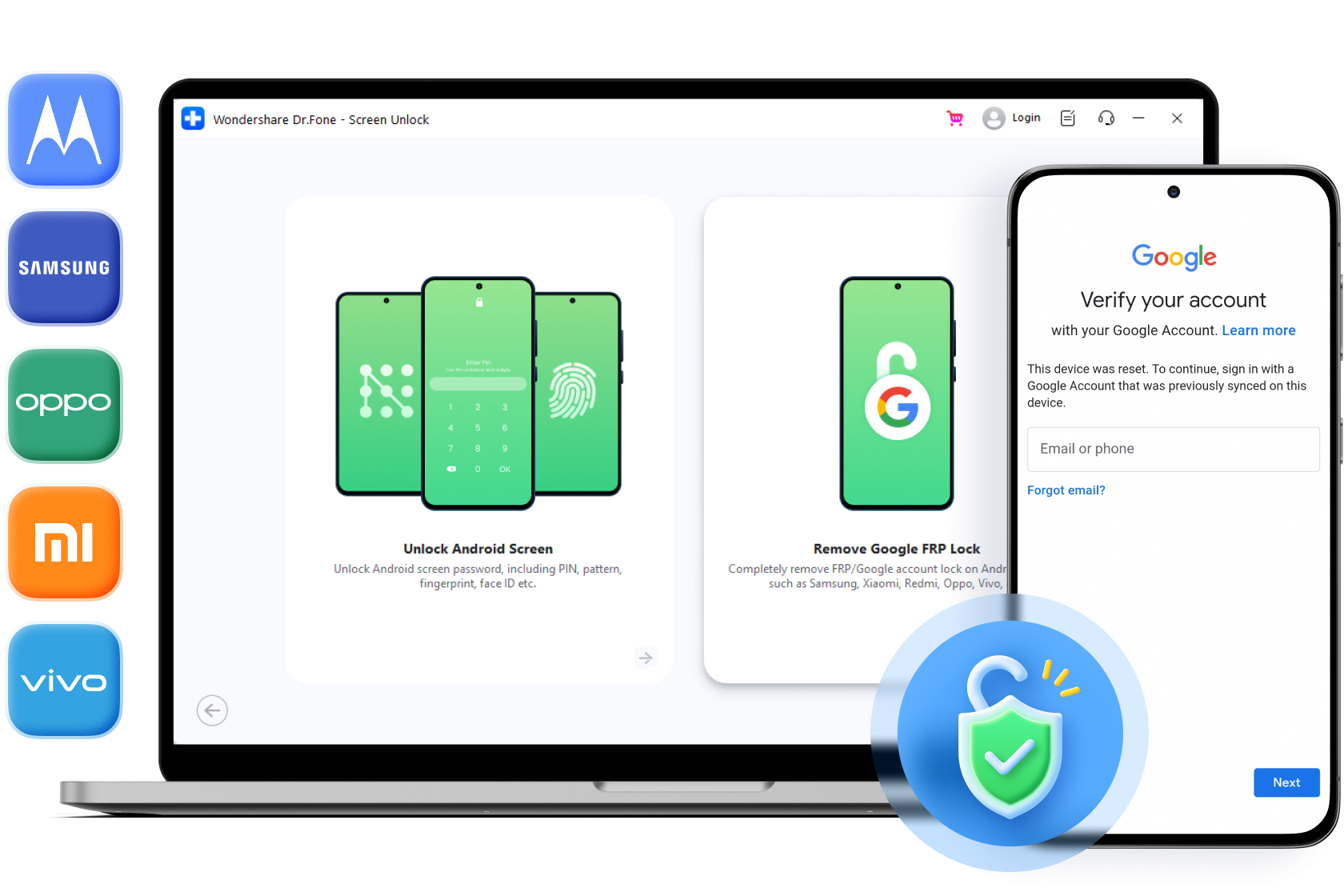

Easier, Faster, and More Supported Devices

99%
Unlock Success Rate
8K+
Supported Devices

5 Minutes
Easy & fast Unlocking

50M+
Active Users Worldwide
Bypass Google Account Locked Phone in Any Scenario
Forgot Google Account or Password
If you have accidently forgot the Google account username, the Google lock pattern, or your Google account password associated with your device, you will need to remove FRP to regain access.

Bought A Used Android Device
When buying a used Android device, bypass previously synced google accounts and remove previous owner's Google account information is required to set up your own Google account and gain full use of the device.

Got Second-hand Android Devices
You may receive an inherited or gifted Android phones from family or friends, only to find that the devices are locked with someone else's Google account. In such cases, you may wonder how to easily bypass Google FRP Lock on Xiaomi, Redmi, and Poco Phones.

Factory Reset Without Disabling FRP
In some cases, performing a factory reset on your Android device without properly removing the Google account beforehand can trigger FRP. Bypass Google account verification after reset becomes necessary to regain access to your device.

Free Download
Free Download
 safe & secure
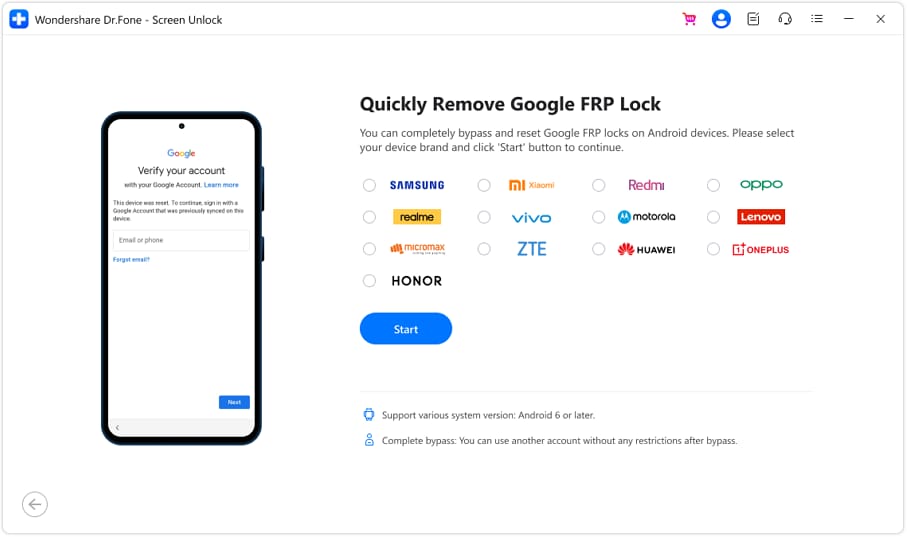
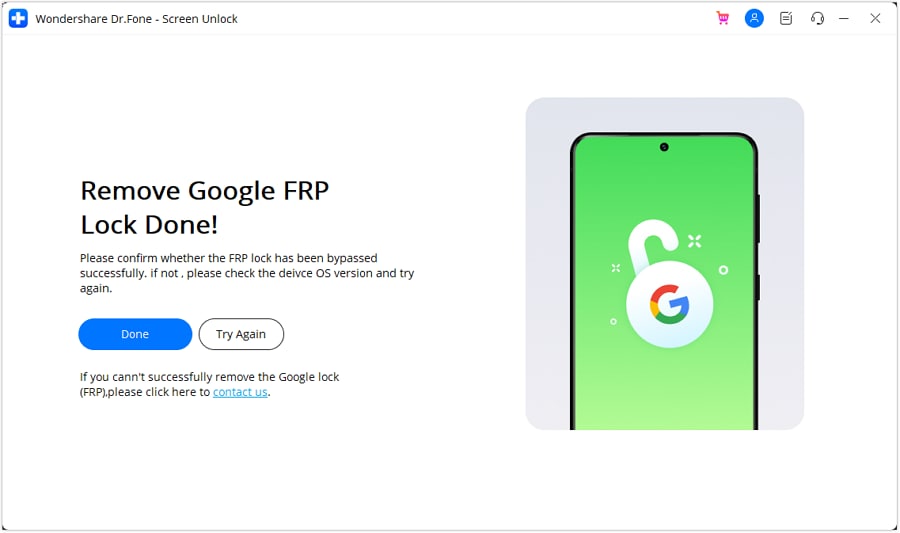
Remove Google FRP Lock Screen in 3 Steps
How To Bypass FRP on Android Devices? We have a comprehensive guide available
for you to follow.

 safe & secure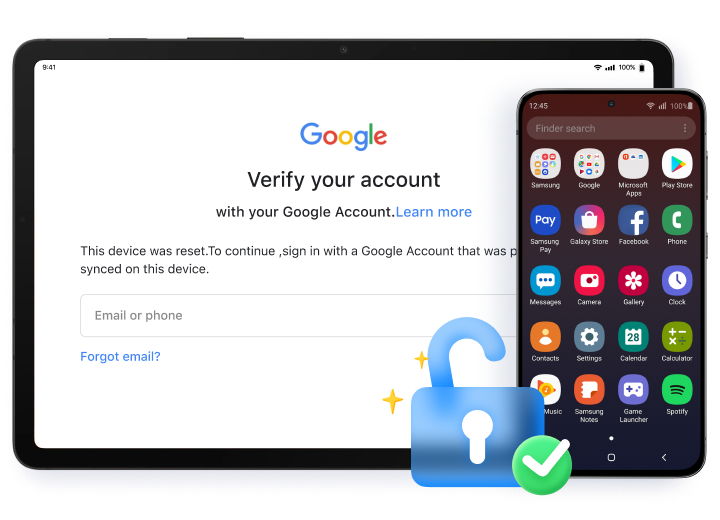
What You Can Enjoy After Removing FRP Lock
-
Enjoy unrestricted use of your device without limitations.
-
Regain full access to Android phones and tablets.
-
Remove the previous Google account from your device.
-
Sign in to a new Google account to enjoy all Google services.
Works with Mainstream Android Brands on the Market
You can bypass Google FRP lock on most of Android phones and tablets runnning Android 6/7/8/9/10/11/12/13/14.

Technical Specification
Supported Android Brands |
Support Model & System |
|---|---|

|
|

|
|

|
|


|
|

|
|

|
|

|
|

|
|

|
|

|
|
Dr.Fone Can Do More Than Just FRP Unlock
No matter whether your phone is locked by pattern, PIN, Google FRP, password, or fingerprint, Dr.Fone can handle all these locks and unlock them!

Pattern
Fingerprints

Password

Face ID
Why Choose Dr.Fone FRP Unlock?
Expertise & Trustworthy
"Samsung FRP Unlock by Dr.Fone is a lifesaver! Essential for those locked out of Samsung devices due to Factory Reset Protection. The user-friendly software operates swiftly and effectively, making it a reliable and trustworthy tool."

"Dr.Fone FRP Unlock excels in bypassing Google account verification with its user-friendly interface and speedy performance. I highly recommend this efficient security bypass tool."

"Rest assured as Dr.Fone's Bypass Android FRP tool enjoys the trust of millions of users worldwide and has received praise from renowned media outlets like PC World, Forbes, CNET, and more."

Unlock Android FRP in 1 Click
Best Software to Bypass Forgotten Passcode
Free Download
Go to Mac >
Free Download
Go to
Windows >