
Bypass or Remove MDM on iPhone / iPad with One Click!
Ready to Unlock Now?





After bypass or remove MDM, you can
The bypass and remove MDM process unlocks new possibilities, allowing you to customize settings, install applications, and access features previously limited by MDM policies.


Avoid violation of your privacy

Sell second-hand iPhone/iPad more easily
Unlimited App use and functions

Use the Device Without Restrictions

No More Asking for Credentials
Remove MDM/Bypass MDM
Using Dr.Fone's 'Remove MDM' feature, you won’t lose data after removing MDM. When you forget the username and password for your iPhone/iPad MD, Dr.Fone can bypass the MDM so you can access the device easily.

Unlock iPhone and iPad at ease, no matter iOS & iPadOS
It's able to remove and bypass MDM from iPhone and iPad without entering the password and help you get full access and no more usage limitations in minutes.
Note: Make sure “Find My iPhone” is off. After successful execution of bypass MDM lock, the device will be locked again if it is reset or firmware flashed. Although it can be unlocked again, this does not happen with devices that are locked with local MDM.


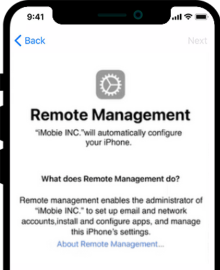
Bypass Remote Management on iPhone/iPad
To gain full control of your iPhone or iPad, you need to remove this remote management. No more wonders and spend a few minutes download Dr.Fone iOS Unlocker.
This feature Bypass MDM and screen time without data loss.
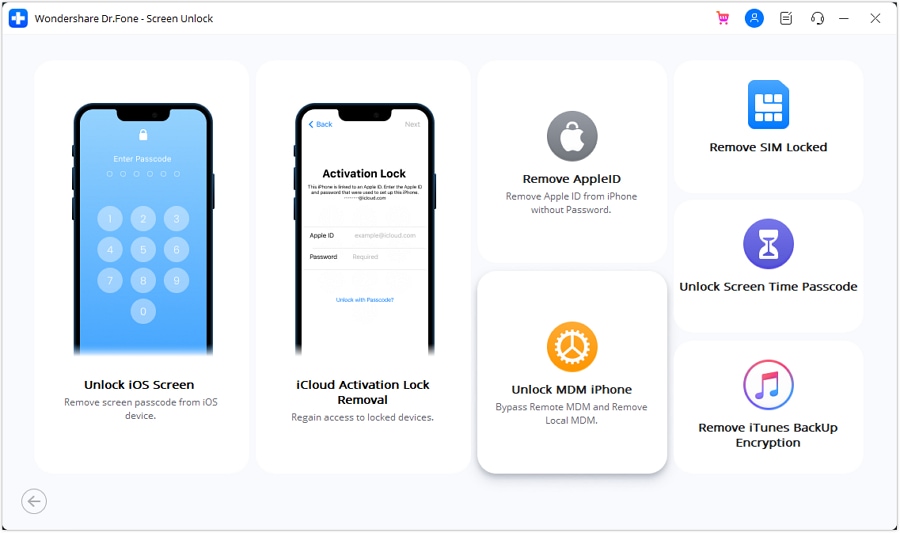
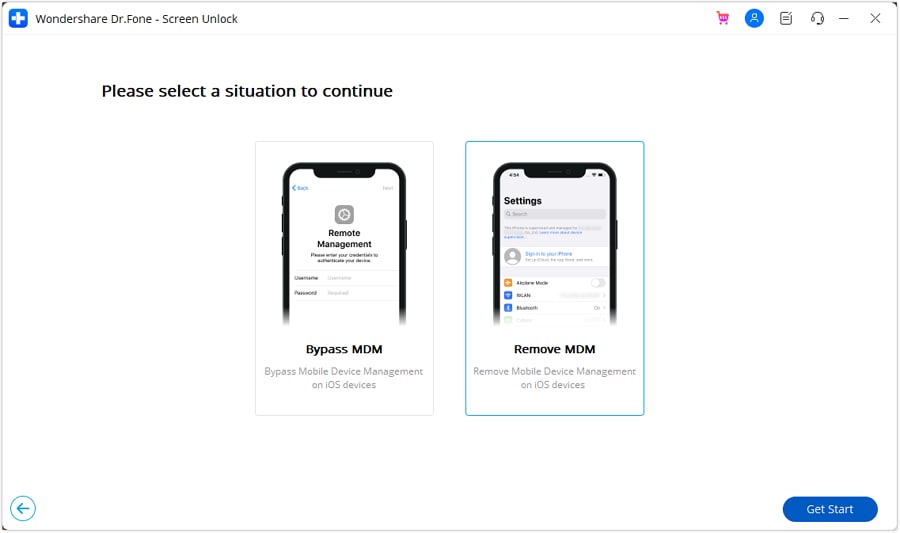
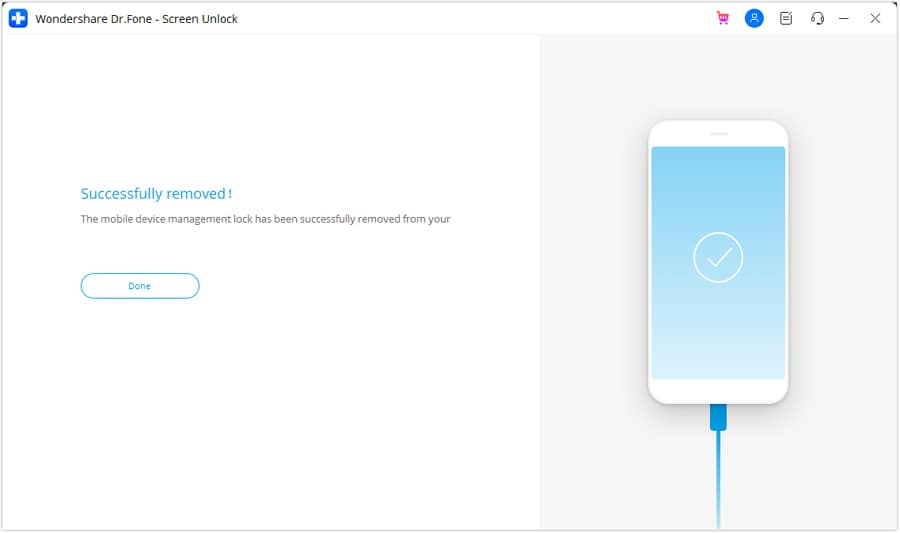
Steps to Unlock iPhone MDM in Seconds
Dr.Fone safely removes your iPhone lock screen, activation lock, etc, and helps you to regain full access to your
device. No learning curve. Unlock iPhone in simple steps.
Tech Specs
CPU
1GHz (32 bit or 64 bit)
RAM
2 GB or more of RAM
Hard Disk Space
200 MB and above free space
iOS
Compatible with all iOS versions starting from iOS 7.0
iPhone Compatible with iPhone 5, 5s, 6, 6s, 6 plus, 7, 7plus, 8, 8plus, x, xs, xs Max, XR, 11, 11 Pro, SE, 12 serises, 13 serises, 14 serises, 15 serises
iPad Compatible with All models of iPad Air, iPad mini, iPad Pro and iPad iPod
Computer OS
Windows: Requires Windows 7 or newer
Mac: Requires mac OS X 10.8 & higher
Remove remote management from iPhone and iPad.
People also ask.
-
How can I tell if my iPhone or iPad is under remote management?To check if your device is under remote management, go to Settings, then General, and look for a section named 'Device Management' or 'Profiles & Device Management'. If this section is present and contains a management profile, your device is under remote management.
-
Can I remove remote management from my iPhone or iPad myself?
Generally, you cannot remove remote management from a device by yourself if it's enforced by an organization. You usually need the administrator of the network to remove the device from the management system. However, if the inconvenience really bothers you, you can use professional and reliable tools, like Dr.Fone – Screen Unlock iOS to remove remote management from your device.
-
What are the risks of removing remote management from an iPhone or iPad?
Removing remote management can result in losing access to organizational resources, apps, or data provided by the administrator. It may also violate the terms of use agreed upon with the organization managing the device.
-
Is it possible for remote management to be re-enabled after removal?
Yes, remote management can be re-enabled if the device is re-enrolled into the management system by an administrator. This often involves installing a new management profile on the device.
No longer to worry about unlocking!
No matter your phone is locked by a screen lock, or bought a second-hand with activation lock, MDM, or screen time passcode, Dr.Fone can handle all these locks and unlock them!
Unlock iPhone/Android in 1 Click
Best Software to Bypass Forgotten iPhone/iPad/Android Passcode